Working in the kanban view
See packages by status and open the panel for any one.
In this video
Up next
 1:29
Adding template fields
Choose field types, assign them to roles and mark them required.
 1:43
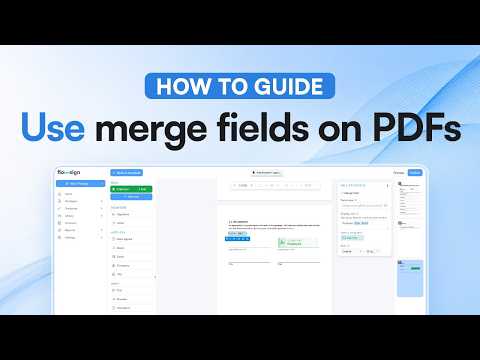
Using merge fields on PDFs
Place a merge field and see it filled in at send.
 1:06
Sharing a template
Share with members and groups, and pick an access level.
Related reading
Introducing the Flowsign status page
See whether Flowsign is running normally at status.flowsign.app, and subscribe to hear about incidents and maintenance as they happen.
Flowsign for councils and government agencies
Sealed records, single sign-on, a workspace for every team and no user caps on Enterprise. Why Flowsign suits councils and government agencies.
How Flowsign keeps your documents secure
From upload to sealed copy: how Flowsign encrypts, fingerprints and seals every document, and how to check a signed PDF in Acrobat yourself.
