Adding template fields
Choose field types, assign them to roles and mark them required.
In this video
Up next
 1:43
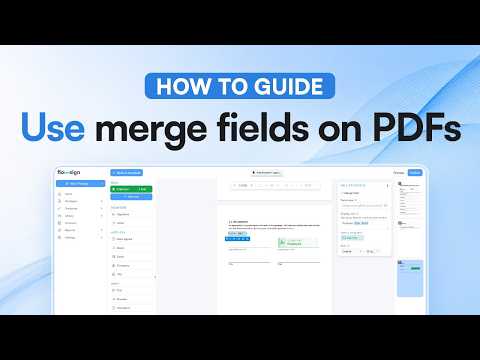
Using merge fields on PDFs
Place a merge field and see it filled in at send.
 1:06
Sharing a template
Share with members and groups, and pick an access level.
 1:22
Managing contacts
Add and import contacts, and open a contact to see their history.
Related reading
Templates: set it up once, send it every time
Save a document you send often as a template, with its roles and fields, then send it again in a few clicks. How templates work in Flowsign.
Bulk send and in-person signing: less paper, less chasing
One template to a hundred workers with bulk send, and one host for anyone signing in person. How Flowsign takes the printing out of onboarding.
Dynamic documents: one Word file for every version
Upload a Word document, mark the clauses that change, and let a few answers at send decide the wording. One template replaces a folder of near-identical files.


