Building a workflow
Lay out steps, roles and signing order for a multi-stage sign-off.
In this video
- Creating a template
- Documents and the library
- The template name and roles
- Signing order and workflow signing
- The workflow builder and default documents
- The next step and questions
- Conditional documents
- Signing order in a workflow and previewing
- Other scenarios, saving the workflow and reminders
- Fields, the employee's signature and the manager's signature
- Publishing
Up next
 1:57
Sending in bulk
Send one template to a list of recipients, one package each.
 1:00
Managing your account
Update your profile, signature and personal settings.
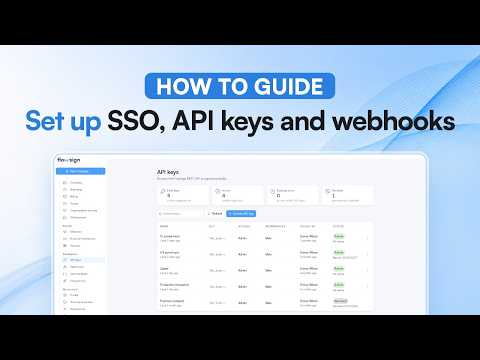 1:16
Setting up SSO, API keys and webhooks
Where single sign-on, API keys and webhooks live in settings.
Related reading
Why Bay of Plenty packhouses use Flowsign
Bulk send for the whole crew, in-person signing at induction, and contracts that adapt to each worker. How Bay of Plenty packhouses get through the peak.
Workflows: let the answers decide what goes out
Draw a workflow once, and a few answers decide which documents go out and who signs. How it works, with a new starter example.
Signing is solved. The workflow around it is not.
Workflows pick the documents and the signing order. Dynamic documents rewrite the wording. Here's how one set of answers does both.


