Setting roles and permissions
See what each role can do and create a custom role.
In this video
Up next
 1:04
Organising people into groups
Create a group and use it for sharing.
 1:16
Working across workspaces
Create a workspace, switch between them and control who sees what.
 1:03
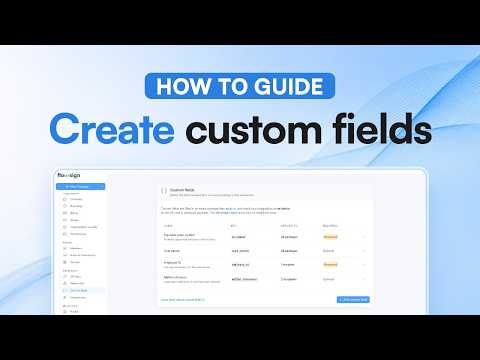
Creating custom fields
Define a field once and reuse it across templates.
Related reading
Learn Flowsign with our video guides
Short how-to videos for sending, signing, tracking, templates and team setup, on YouTube and on our videos page.
Flowsign for councils and government agencies
Sealed records, single sign-on, a workspace for every team and no user caps on Enterprise. Why Flowsign suits councils and government agencies.
How Flowsign keeps your documents secure
From upload to sealed copy: how Flowsign encrypts, fingerprints and seals every document, and how to check a signed PDF in Acrobat yourself.


