Organising your library
Files, Starred, Recents and Trash in one pass.
In this video
Up next
 1:02
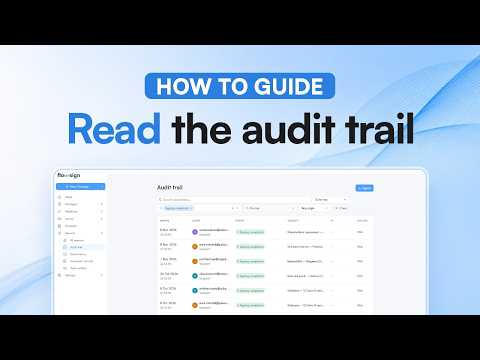
Reading the audit trail
See who did what, filter the list and export it.
 0:54
Checking email history
Check whether an email was delivered, opened or bounced.
 0:58
Choosing your notifications
Pick in-app or email for each kind of event.
Related reading
Dynamic documents: one Word file for every version
Upload a Word document, mark the clauses that change, and let a few answers at send decide the wording. One template replaces a folder of near-identical files.
Templates: set it up once, send it every time
Save a document you send often as a template, with its roles and fields, then send it again in a few clicks. How templates work in Flowsign.
How Flowsign keeps your documents secure
From upload to sealed copy: how Flowsign encrypts, fingerprints and seals every document, and how to check a signed PDF in Acrobat yourself.


